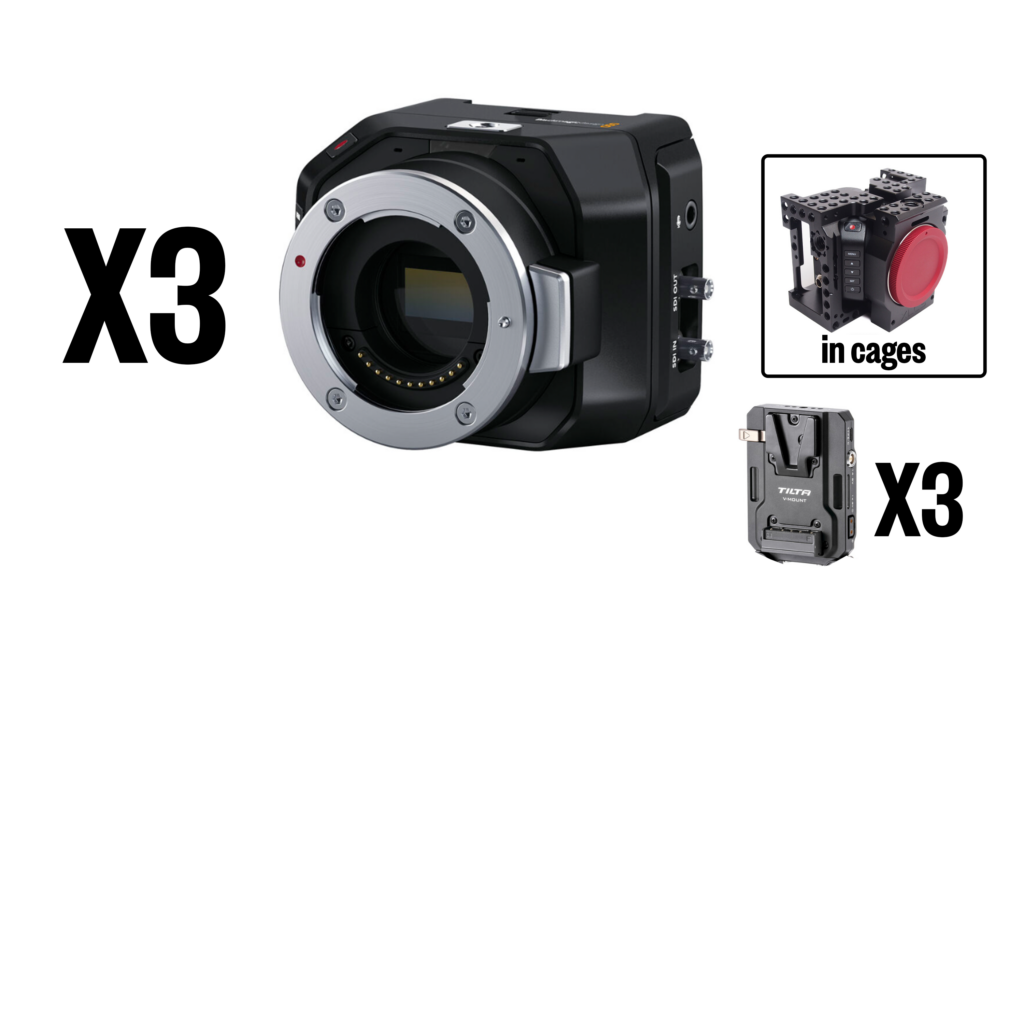
Micro Studio 4K G2 Camera
(3) Cameras in protective cages. Click link to access training manual.
- V-Mount battery plates are attached to the back of each cage.
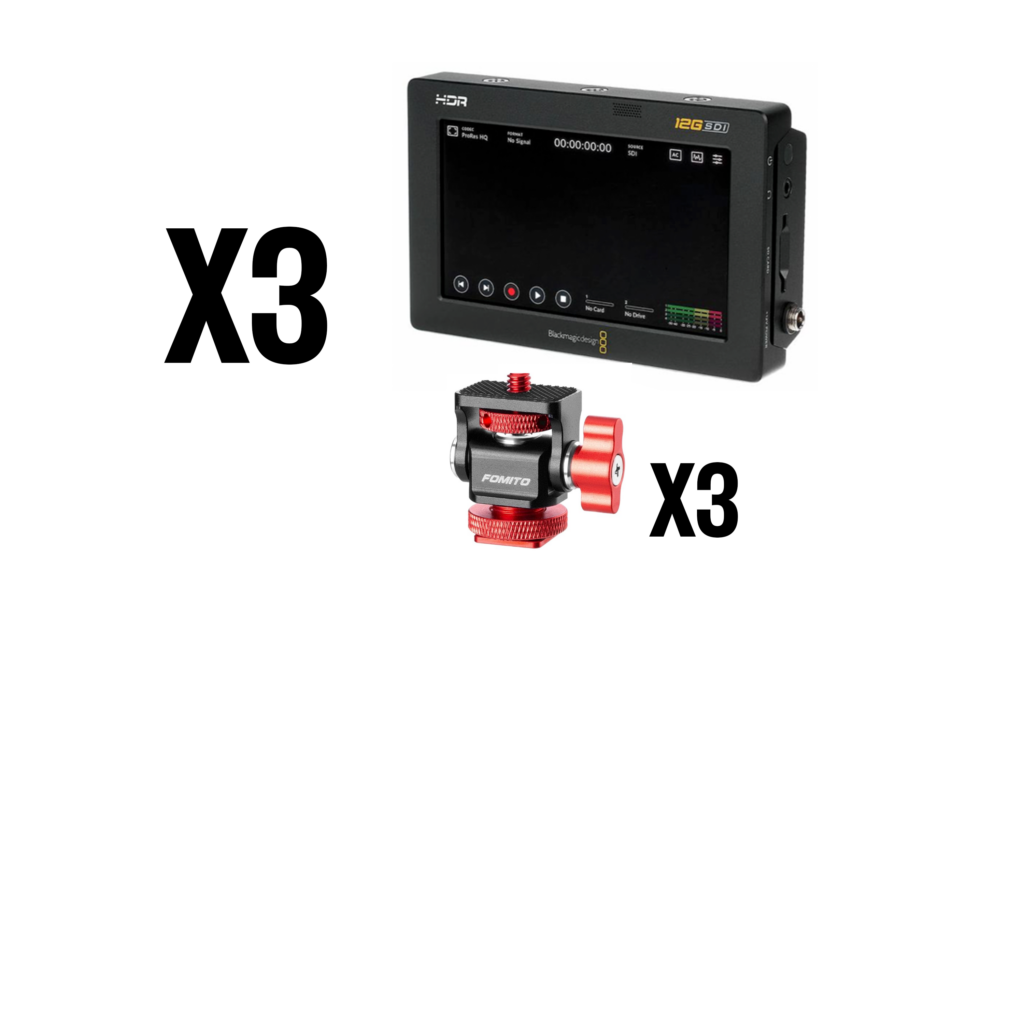
Video Assist 5" Recording Monitor
(3) Camera monitors with recording capabilities. Click to access training manual.
- (3) cold-shoe mounts includes in accessories pouch, mounts to cold shoe on camera cage
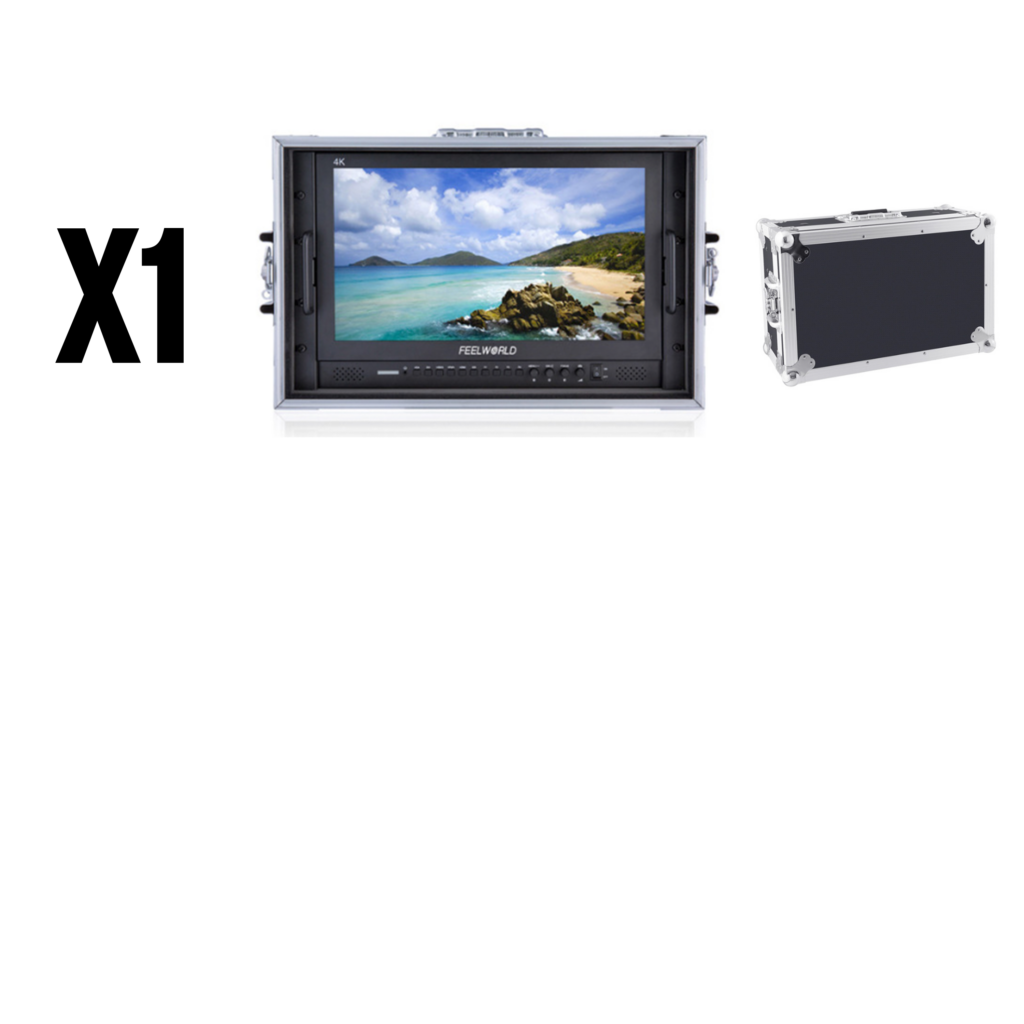
17.3'' 4K Broadcast Monitor
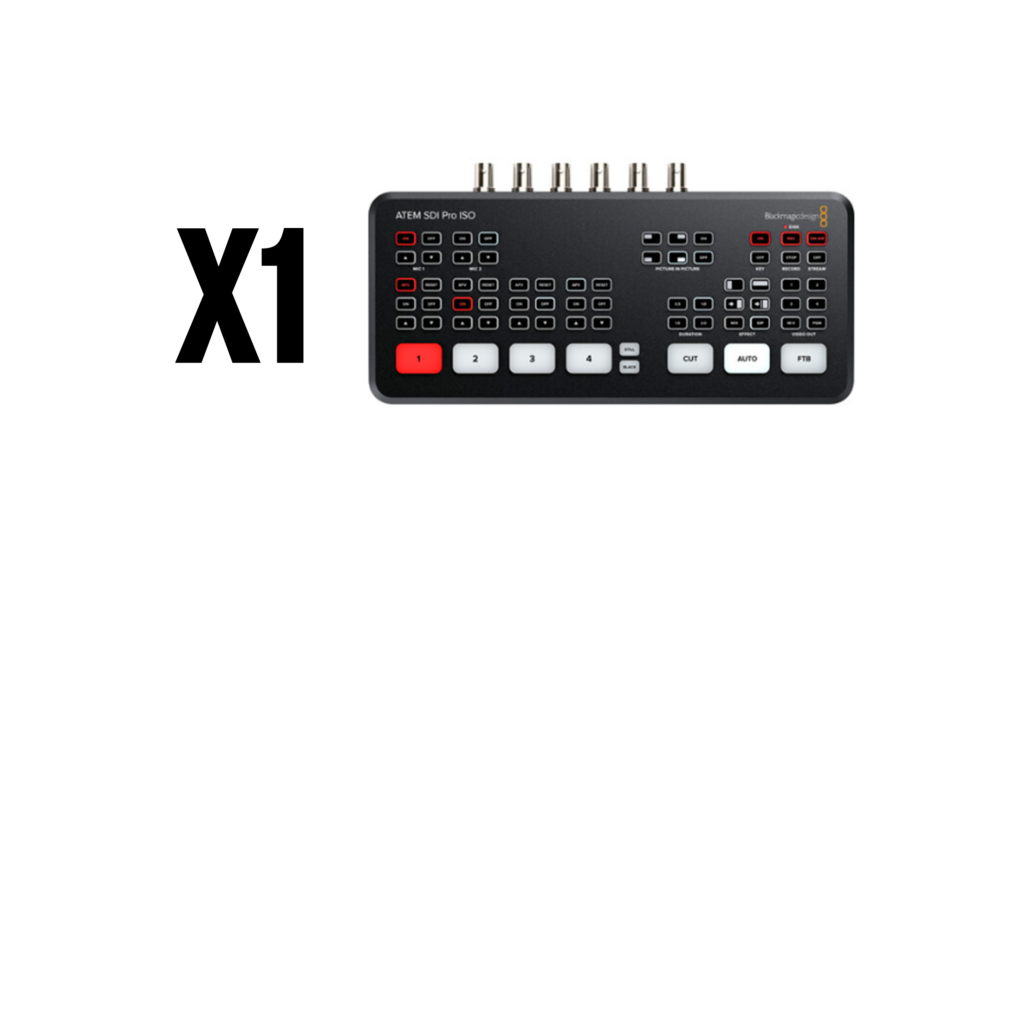
(1) Multi-view monitor that connects to the ATEM SDI switcher. Click link for production details. V-mount powered or plugged in.
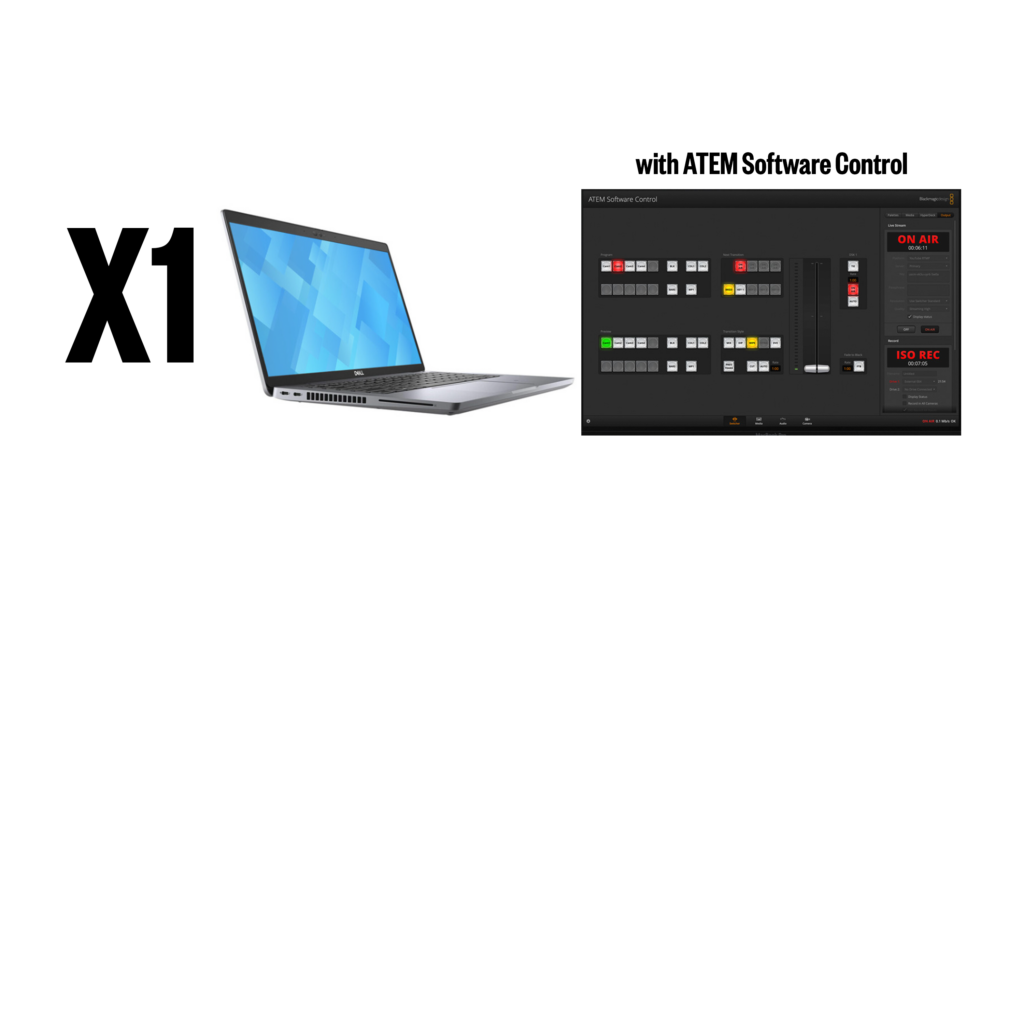
Dell Laptop 14”
(1) Dell Laptop with ATEM Software Control. Click the link to see the software overview.
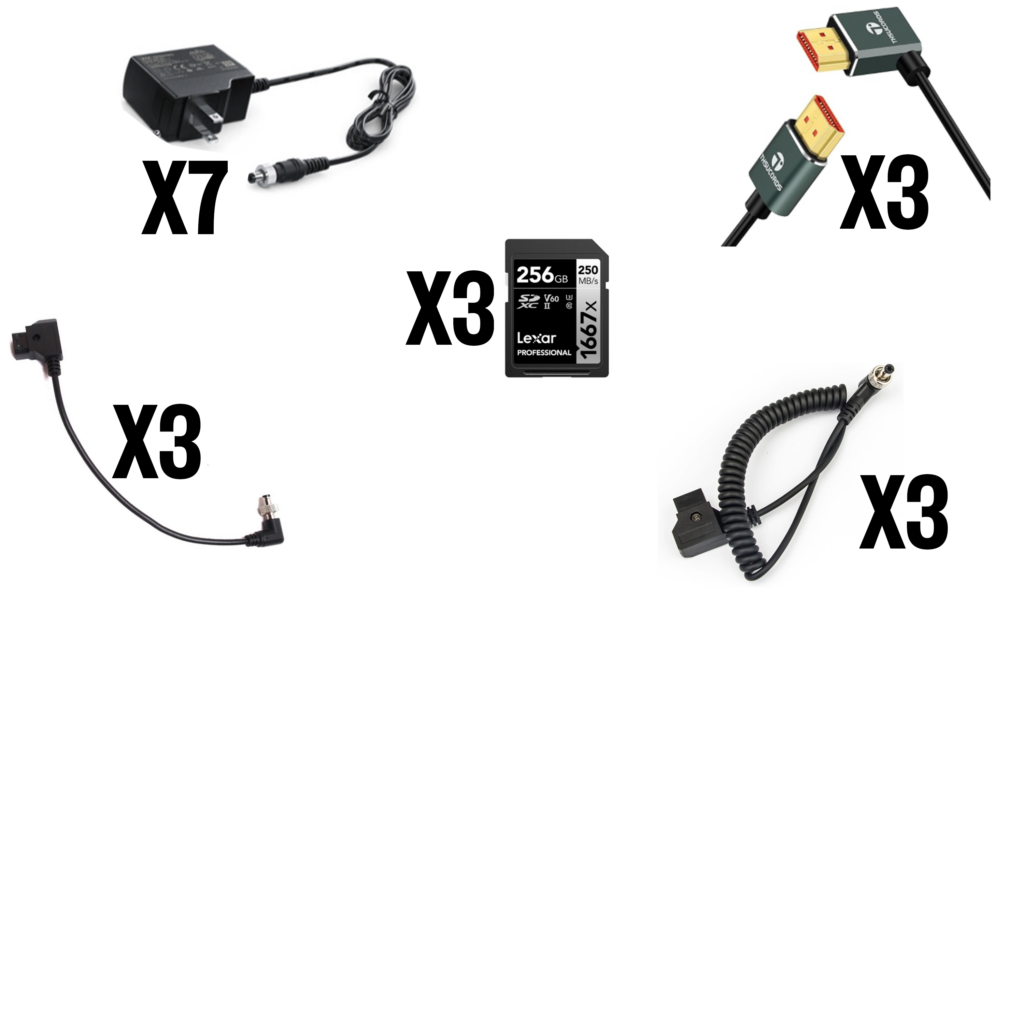
Camera / Monitor Accessories
(7) Power chargers (3 for the cameras, 3 for the 5″ monitors and 1 for the ATEM switcher). – (3) short HDMI cables (for camera OUT to 5″ monitor IN). – (3) short strait cable D-Tap to barrel power (V-mount plate D-tap OUT to camera power IN). – (3) short coiled cable D-Tap to barrel power (V-mount plate D-tap OUT to 5″ monitor power IN). – (3) SD Cards (for recording from each 5″ monitor)
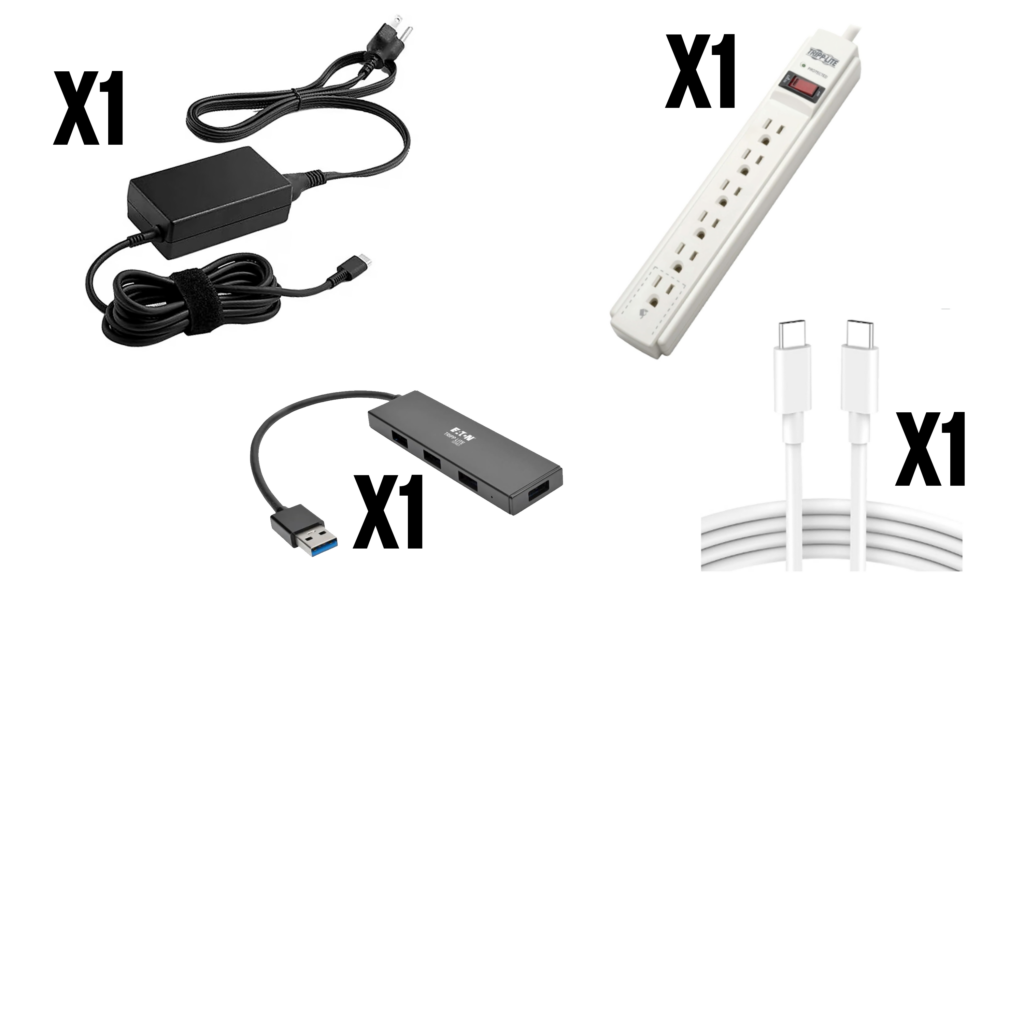
Computer Accessories
(1) power supply for the Dell Laptop (black charger with power brick). – (1) USB hub. – (1) USB-C to USB-C cable (Laptop OUT to ATEM Switcher IN to access software). – (1) Power strip
Audio Accessories
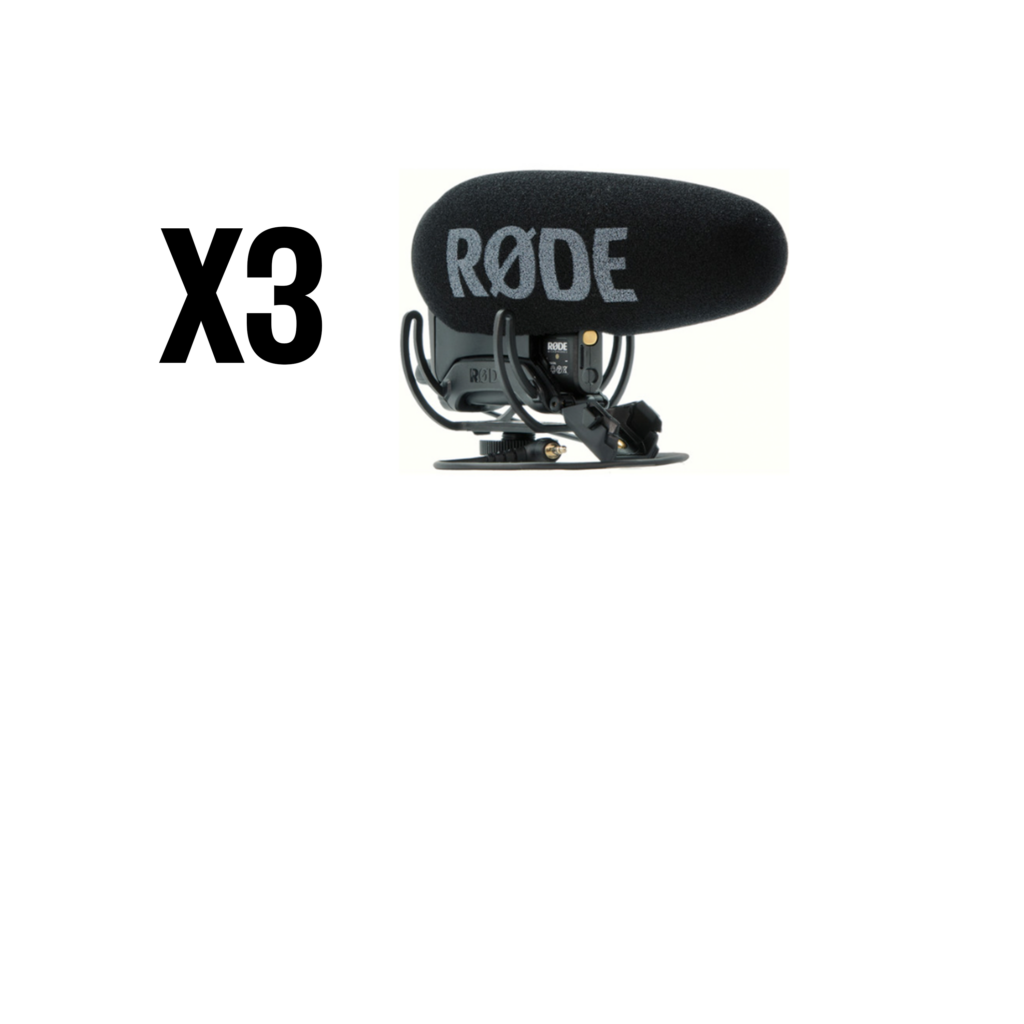
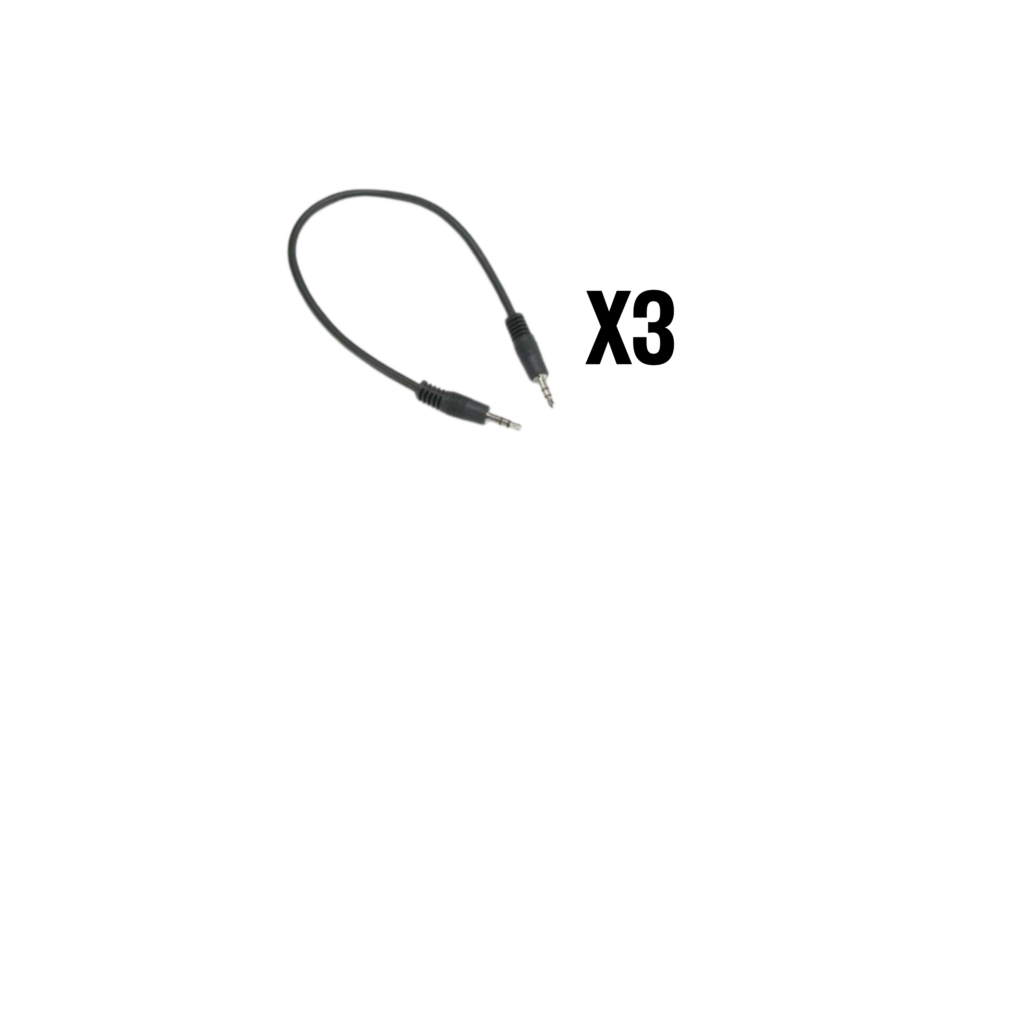
(3) Short 3.5mm AUX Cable (Camera audio OUT to RODE VideoMic IN)
Kit Bags
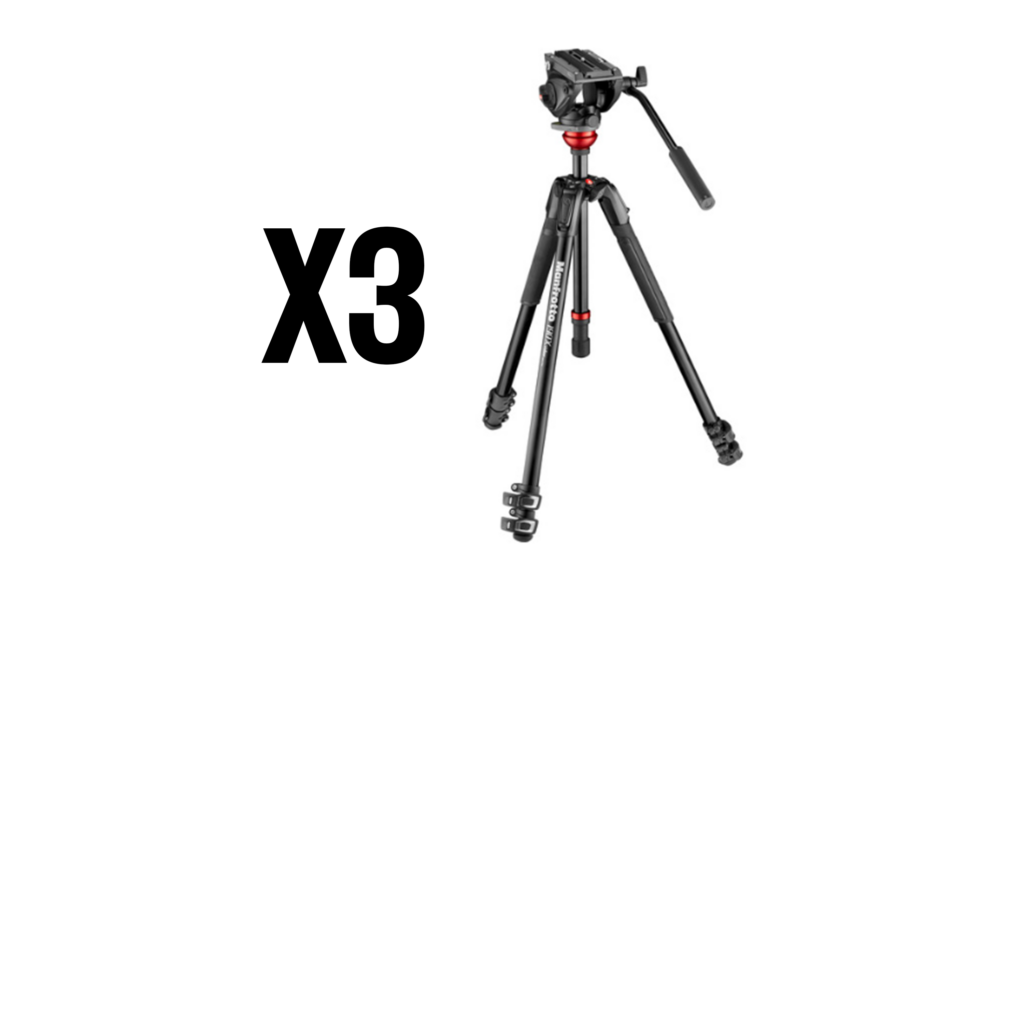
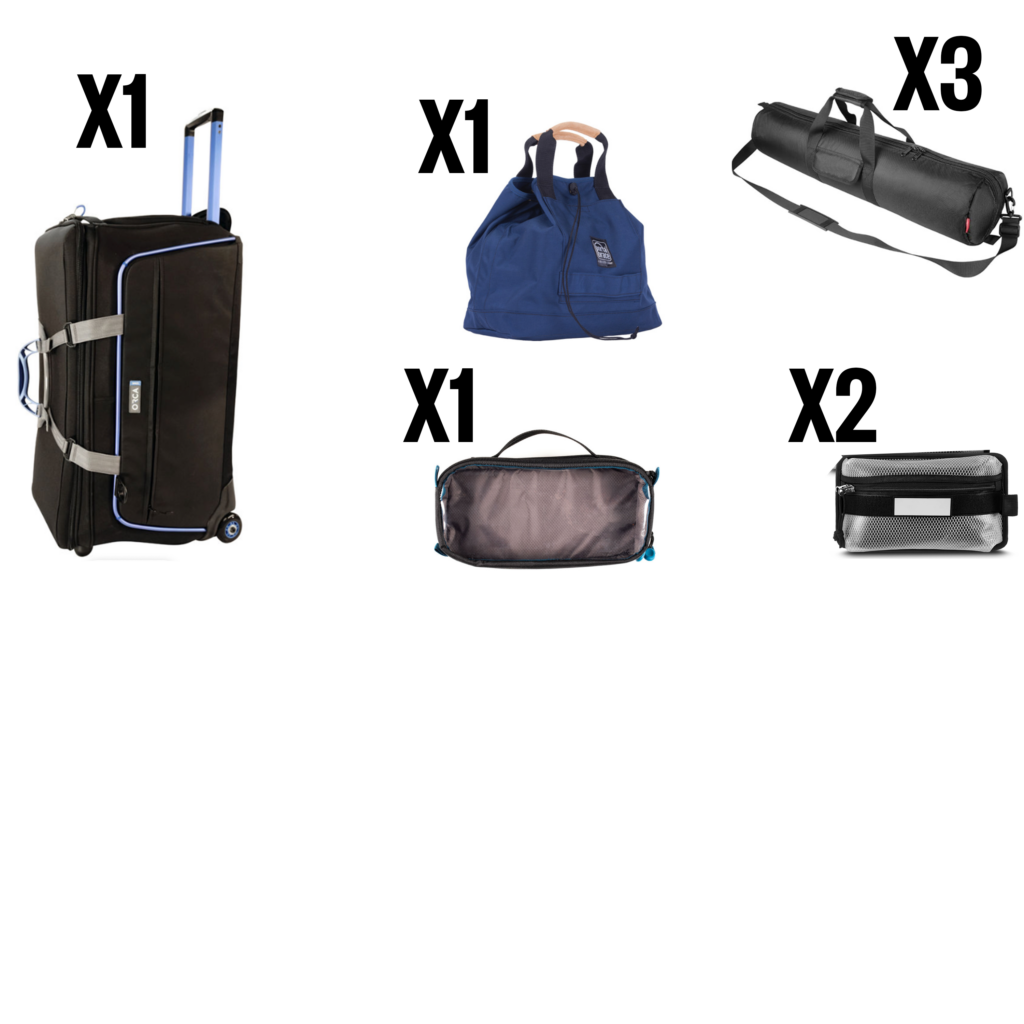
(1) Large rolling case. – (3) Tripod bags for each tripod. – (1) Small accessories zipper bag. – (2) Velcro Zipper pouch (attached inside the roll case). – (1) Tote bag for batteries and cables.
V-Mount Power Chargers
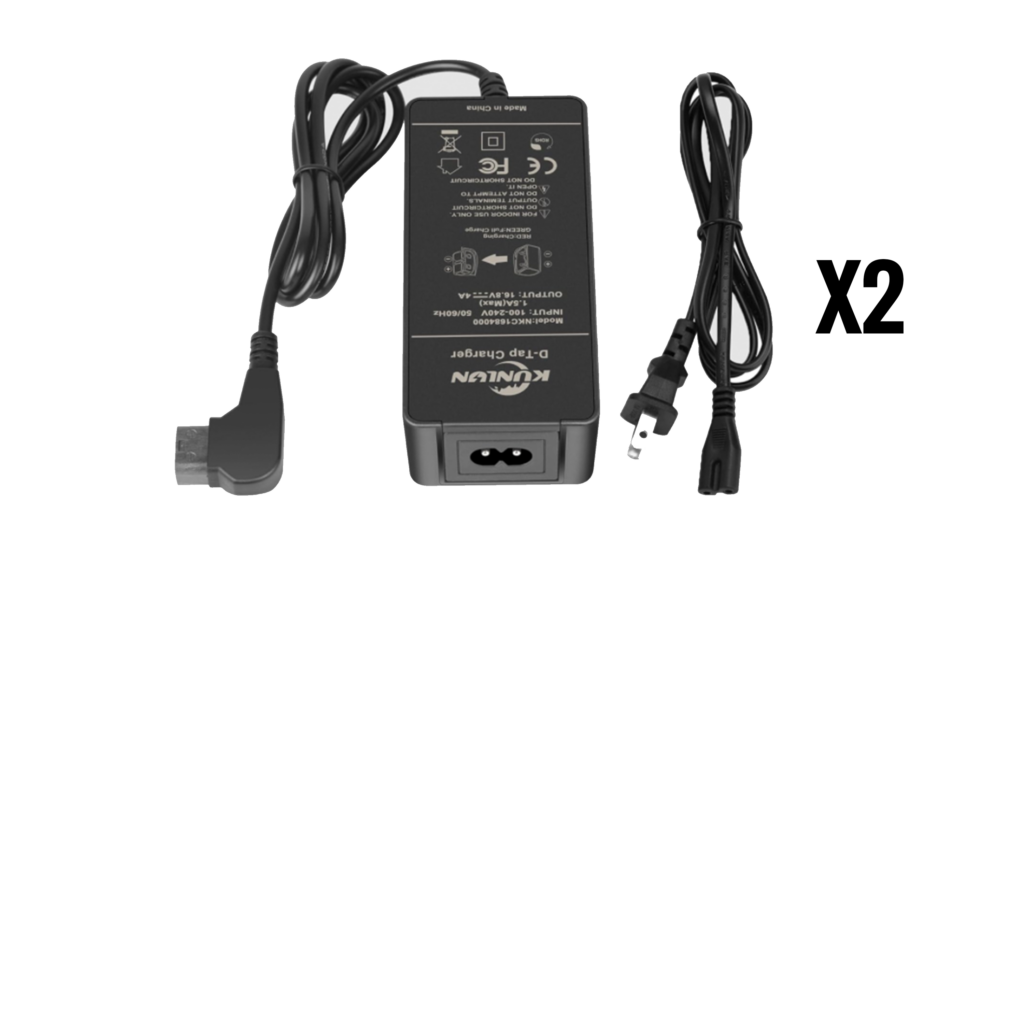
To Power the v-Mount batteries (requested for separately)